
Give it an entry point.
Use a webhook, schedule, event, hosted form, chat, or another workflow.
Explore triggers →QuickFlo brings the workflow, triggers, connections, state, dashboards, and operations into one deployable system.
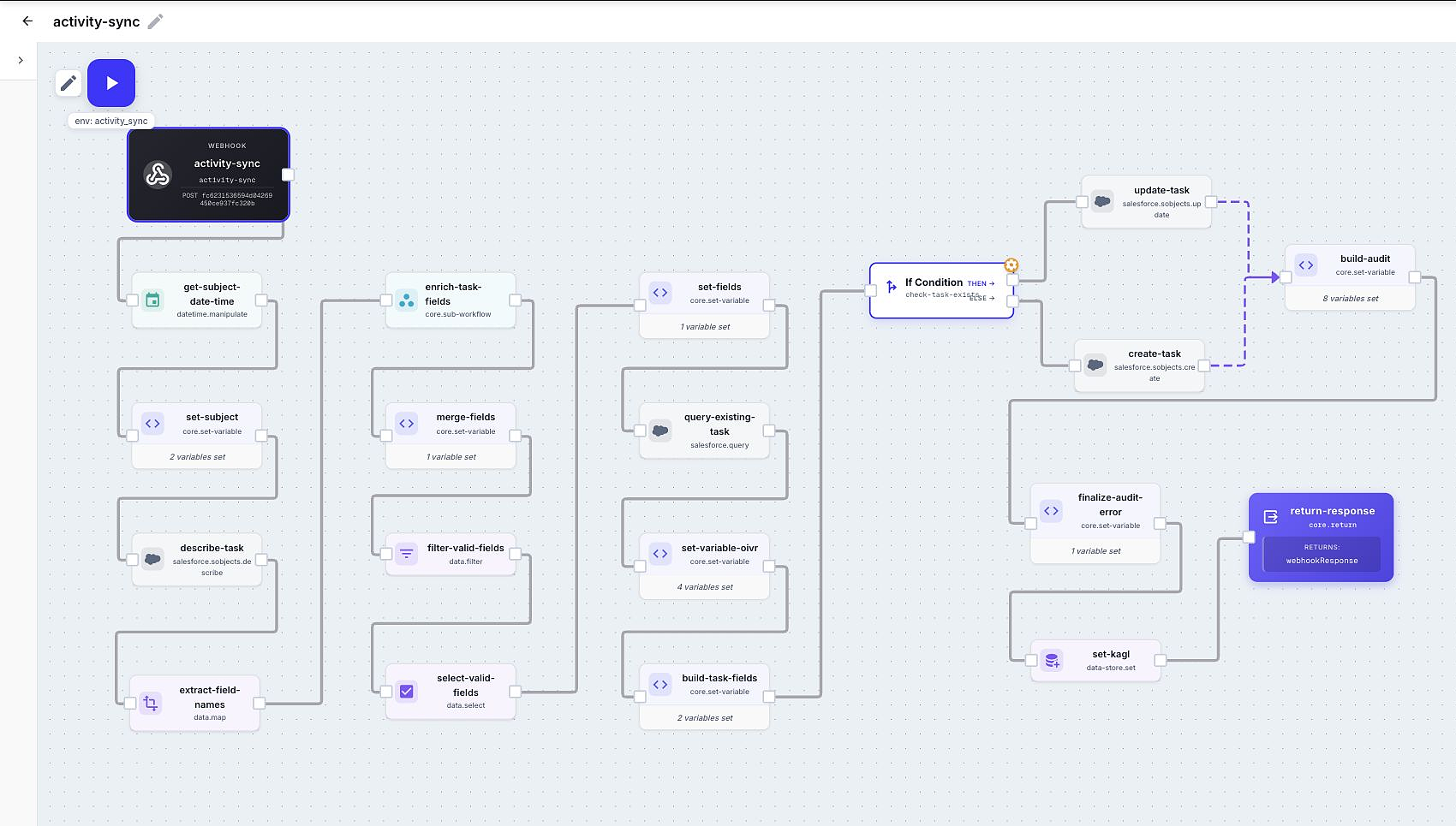
Create a working weather API in about ten minutes. No external account required.
Start the quickstart →02Open Flo Agent, explain the job, and refine the workflow directly on the canvas.
Open the guide →03Copy a complete recipe, paste it into QuickFlo, and change only what is specific to you.
Open the library →A small, complete workflow: geocode a city, fetch current weather, and return clean JSON.
Open a blank canvas in QuickFlo and paste. The configured steps appear immediately.
Use a webhook, schedule, event, hosted form, chat, or another workflow.
Explore triggers →Call APIs, transform data, branch, loop, work with files, and add AI where it helps.
Browse steps →Reuse connections, variables, data stores, and knowledge bases across your organization.
Set up resources →Inspect every run, search by business context, recover from errors, and turn stored data into dashboards.
Inspect executions →